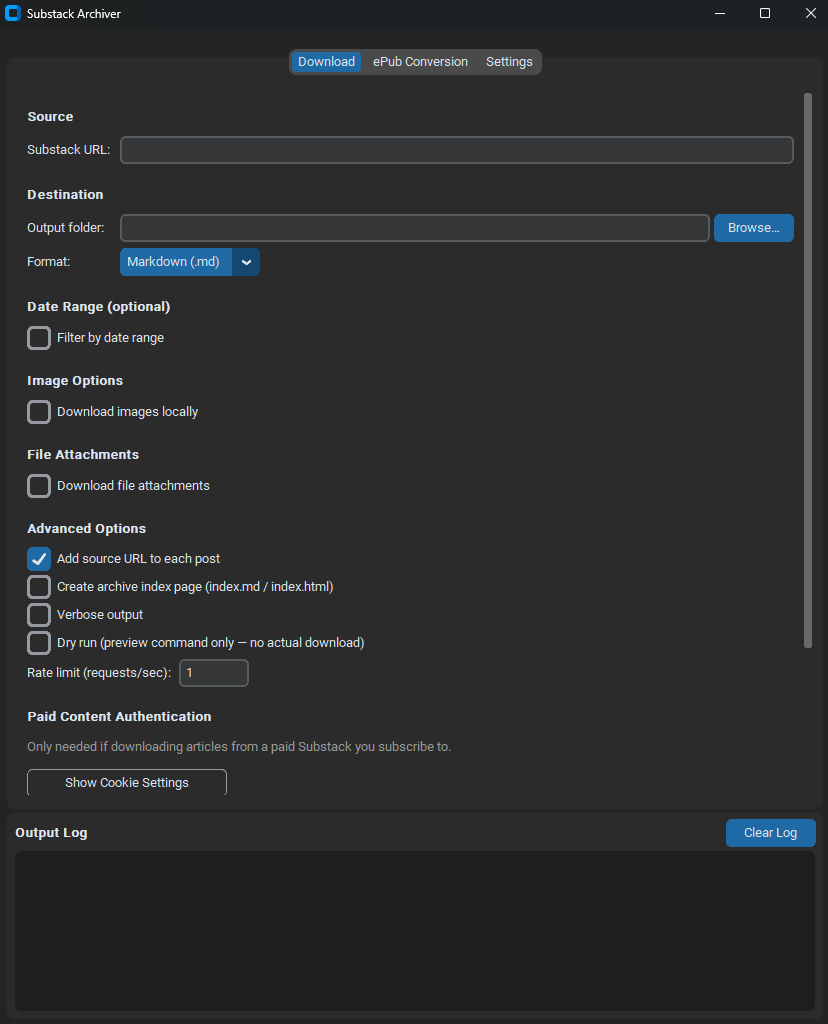
A GUI for the Substack archiving process
We recently covered how to archive Substack newsletters to your local computer, as well as how to convert the resulting collection into an epub file you can read on your ereader if you want to.
That involved the use of a couple of command line tools, sbstck-dl and pandoc.
If you aren’t a fan of remembering commands to type in then here is a GUI that lets you point and click to get the same effect. Behind the scenes it uses exactly the same process and same commands as the textual workflow already described - you can see it building up the same commands as you’d be typing fill in the boxes - but it saves you remembering exactly what those commands are.
It’s 100% vibe coded so of course buyer beware, but it is at least open source and hopefully simple enough to not be too dangerous.